Everything from the invitation to the last scan.
An event page that loads on a shared WhatsApp link, free or paid tickets worth screenshotting, a dashboard that tells you who is inside, and a check-in screen that reads in daylight with no signal.
The event page
Public, fast, and shareable over WhatsApp. It is the only page most attendees will ever see.

A link you choose when the event is set up, short enough to print on a poster, like mikarchi.com/e/2026-ai-conference.
Department, meal choice, shirt size, partner name. Short text, a dropdown, or yes or no.
Open to anyone, only for the addresses on your invitation list, or each registration approved by you first.
When the last ticket is claimed, new registrations join a waitlist instead of being turned away.
It appears on the registration form straight away. Sample only, nothing is saved.
Tickets and payments
Free or paid, from the same link. We take the payments for you, so you never touch the money.

Early bird, member or guest, each with its own price and number of places. In guilders or dollars.
Guests pay through Sentoo from their own bank in Curaçao, or by card. A place is held while they pay.
OB is included in the price, and every guest gets a receipt by email with their ticket.
No merchant account and no transfers to match to names. After the event you get a statement and a single payout.
The ticket
A ticket people keep on their lock screen, and a lookup for the ones who lose it.
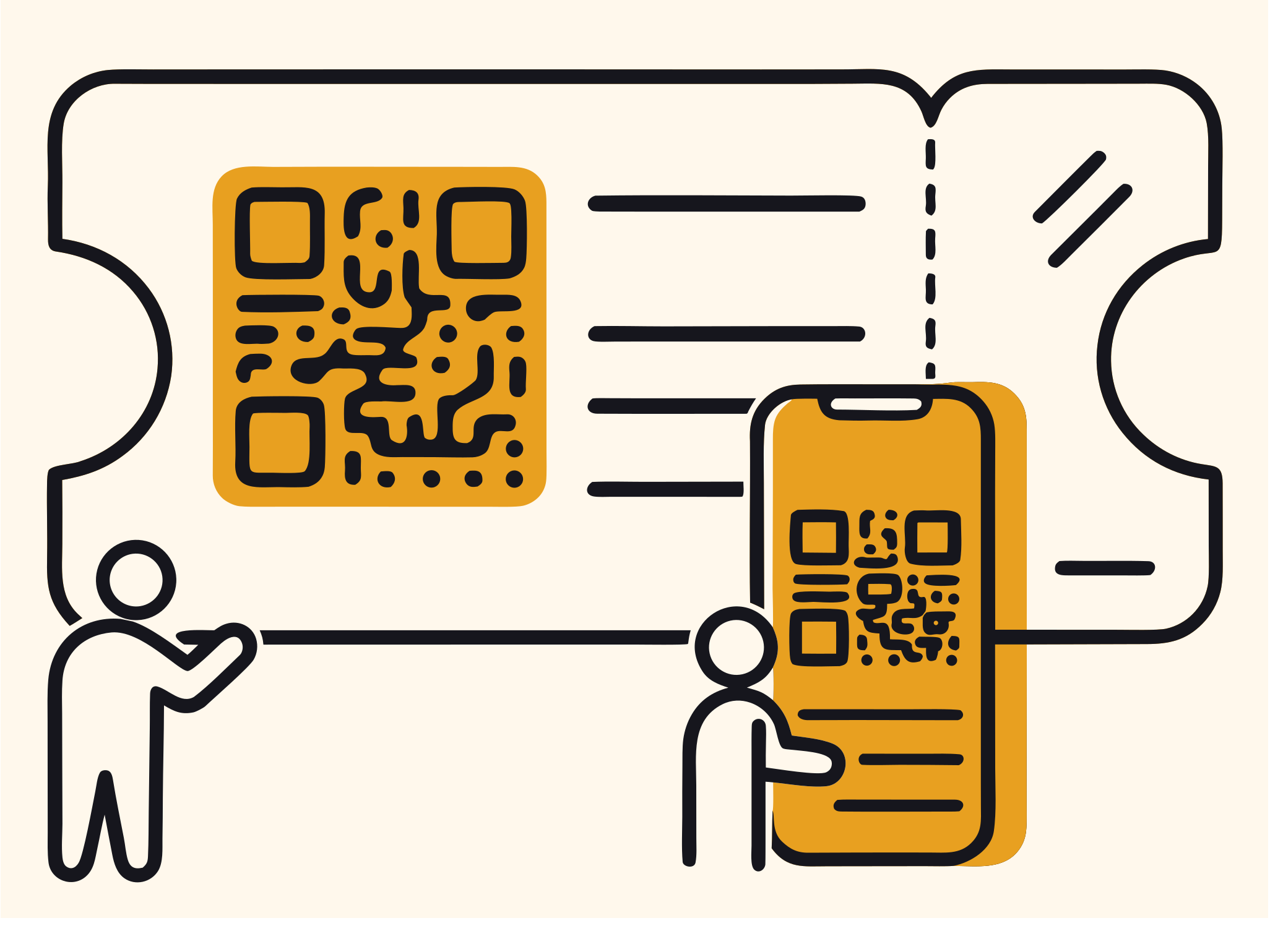
Each ticket carries a signed token. Verification happens at the door, not in a browser tab.
Bounced and blocked emails are listed per event, so you know before the door does.
Attendees enter their email and the ticket is sent again. No support queue.
Guests who can no longer come free their own place, so it goes to the next person on the waitlist.
The dashboard
Registration numbers during the build-up, and a live view on the night.

Search, filter, export to CSV, and resend a ticket to one person.
Arrivals per minute, per station, as they happen. Refreshed every few seconds without reloading the page.
Automatic once capacity is reached, with everyone kept in the order they joined.
The door
The hardest surface, and the one the rest of the design follows from.
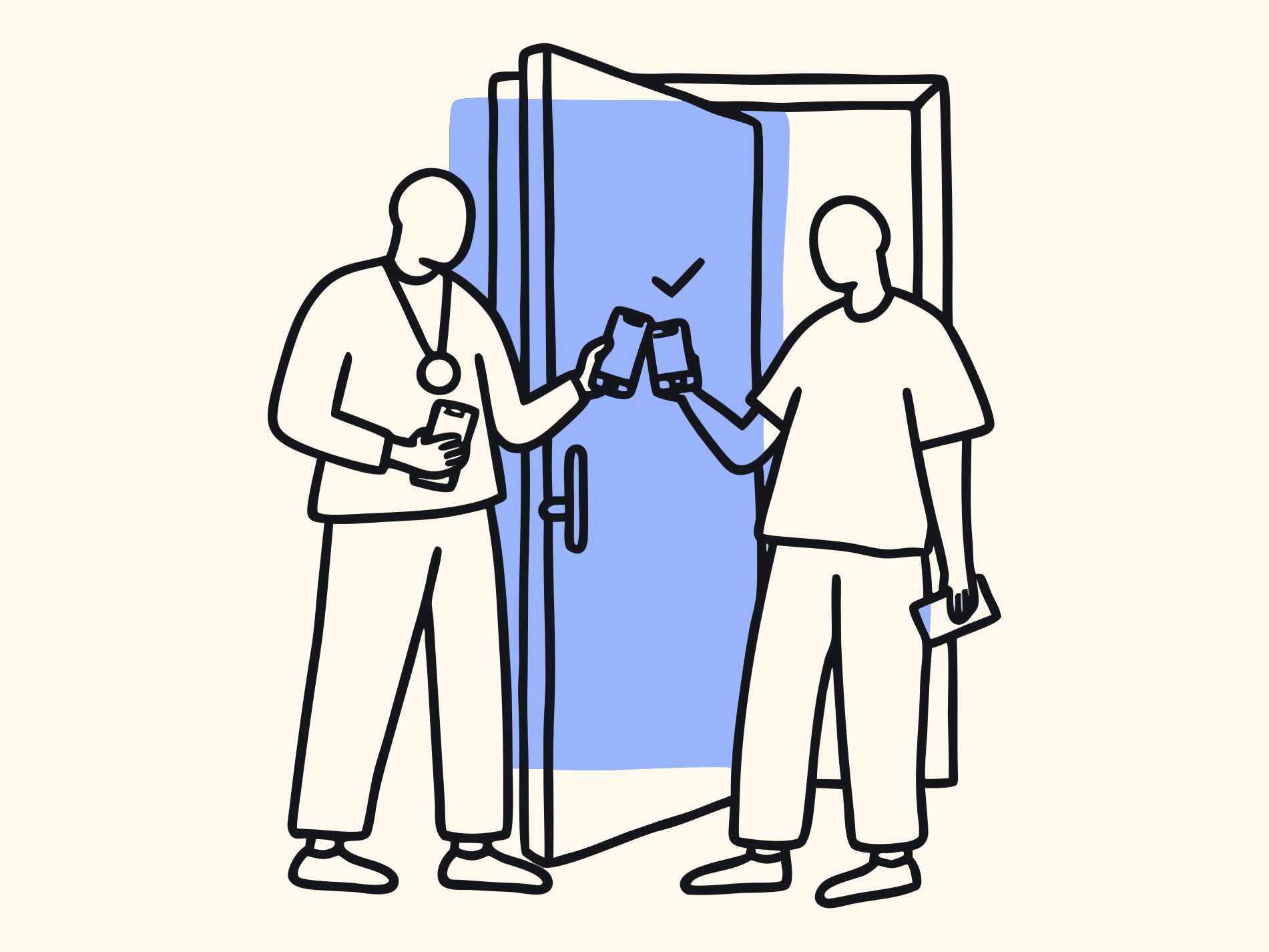
Camera QR capture, with lookup by name or ticket number when a phone screen is cracked or dark.
Someone who never registered is added on the spot and counted like everyone else.
Each guest is placed in the least full team as they come in, and the door shows the team colour.
A wrong admission is undone on the device, and that ticket works at the door again.
Queued scans are visible and counted, so staff know the device is behind and by how much.
Included on every event
- Attendee accounts
- Never required
- Check-in stations per event
- Unlimited
- Custom registration fields
- Short text, dropdown, yes or no
- Who can register
- Anyone, invited guests, or people you approve
- Door access
- One code per event, entered on the device
- Check-in teams
- Balanced at the door, shown on the ticket
- Payments
- Sentoo: local bank or card, in guilders or dollars
- Where data is kept
- United States (Supabase and Vercel)
See it on your own event.
Tell us the date and the headcount. We will show you the whole flow in 20 minutes.